


 ESTELLA VIDS
 EMMA TECH
 SEB.MAKES.MOTION
 DYN KING
 PLANET MOTION
 MOTIONMIKI
 SHECRAFTSAI
 ARTEC ATLAS
 SUNBOSE STUDIO
 MR RENDER
Original Image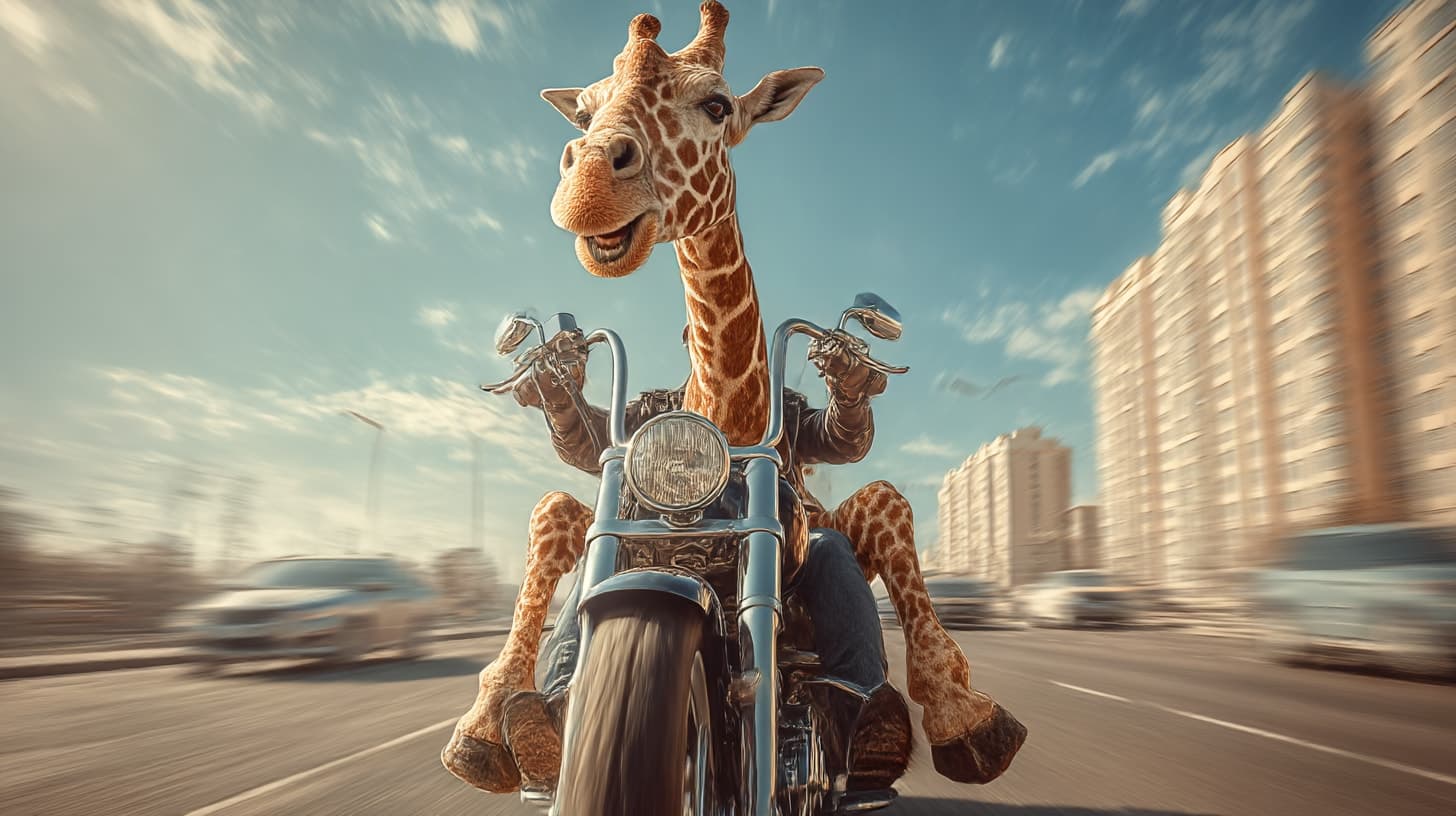 Prompt
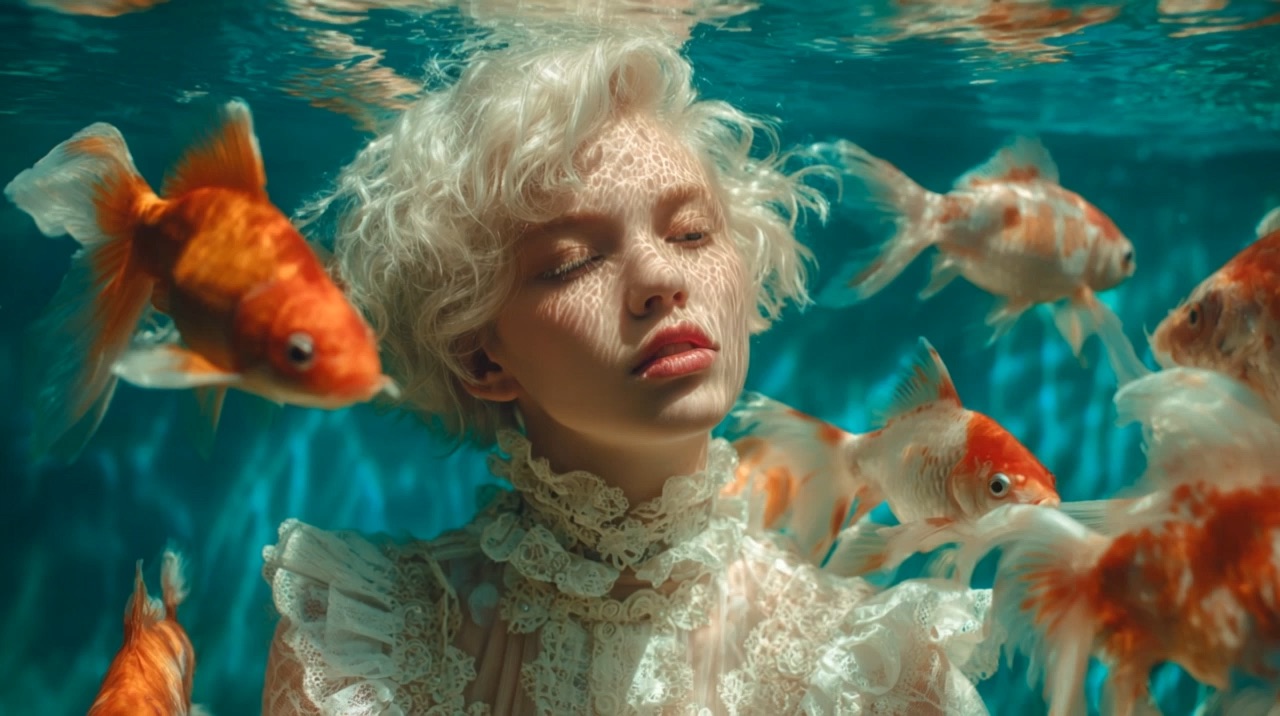
Apply the mood-board aesthetic to a fashion shot: keep the model readable, transfer the color grade and lighting mood, and add a clean editorial camera move.
Sample Video
6Create, Edit & Remix AI Videos
Build the first draft, remix the next version, and keep product shots, characters, motion, and scene logic consistent as you iterate.
Omni Flash AI video workflow
Omni Flash is an independent AI video generator and editor for advanced video creation workflows. It is built for creators who need a create-and-edit loop: start with a prompt, image, clip, sketch, sound cue, or product shot, then refine the same idea through natural-language instructions.
Use Omni Flash to animate images, remix video drafts, transform environments, replace objects or characters, transfer actions, rebuild sketches as realistic footage, and plan timing for social, product, ad, and explainer videos.
Animate product shots, rebuild sketches as realistic footage, restyle scenes, or guide motion from a source clip. Omni Flash gives visual ideas a clearer path from still frame to usable video draft.
Use the room photo as the base scene. Make the lights pulse with the music, keep the furniture layout stable, and let the camera drift slowly through the apartment.
Transform environments, restage actions, build knowledge-aware scenes, and align motion with text or sound. Each output mode helps you test a different kind of AI video idea.
Change the environment, not only the style
Change lighting, materials, setting, or atmosphere while keeping the core subject readable.
Use clearer creative controls for multi-step editing, continuity, replacement, style transfer, motion transfer, and sketch-to-video production.
Refine a draft through plain-language changes: adjust the camera, change the action, revise the environment, or add a new effect.
Generate VideoKeep the room, product, character, or camera logic stable while changing selected details across multiple edits.
Generate VideoSwap products, props, vehicles, or characters while preserving the original shot structure and motion.
Generate VideoMove a visual treatment, action pattern, lighting mood, or special effect from one source into another scene.
Generate VideoTurn doodles, rough layouts, or concept frames into realistic video drafts with depth, texture, and motion.
Generate VideoBegin with text, a product image, a sketch, a source clip, an audio cue, or a visual reference.
Describe the scene, camera move, action, style, and target format so the first video has a clear direction.
Ask for a scene change, action transfer, object replacement, style shift, timing adjustment, or continuity fix.
Create variants for TikTok, Reels, ads, product pages, explainers, storyboards, or a production brief.
Use Omni Flash as an AI video generator and editor for product demos, UGC ads, music clips, character edits, education, and sketch-to-video concepts.
Comparison
A basic AI video generator usually turns one prompt into one clip. Omni Flash is built around a create-edit-remix loop: transform a scene, transfer an action, replace an object, rebuild a sketch, control timing, and keep useful versions for later.
Upgrade when you need more Omni Flash generations, reference-guided edits, longer iteration loops, and commercial-ready output.
Try the core Omni Flash video workflow before upgrading.
Access core Omni Flash video creation tools.
For creators and teams iterating on serious video ideas.
Higher-volume Omni Flash workflow capacity.
Omni Flash is an independent AI video generator and editor for advanced video creation. It helps creators generate, edit, remix, and refine video drafts from prompts, images, clips, sketches, sound cues, and source materials.
Yes. Start with a prompt, image, sketch, clip, or reference, then use natural-language edit notes to change the scene, adjust motion, replace objects, control timing, and create a stronger next version.
You can create product demo videos, UGC ad tests, social hooks, explainer scenes, character swaps, action transfers, music-timed clips, reference-led remixes, and sketch-to-video drafts.
Yes. You can start from a product image, portrait, sketch, rough layout, or concept frame, then describe the movement, scene, style, camera direction, and details you want in the video draft.
Yes. Omni Flash is designed around reference control, object replacement, character swaps, scene transformation, and action transfer, so you can test new versions without rebuilding every shot from zero.
A basic generator usually turns one prompt into one clip. Omni Flash focuses on a create-edit-remix loop with source materials, reference control, timing notes, version history, and clearer direction for follow-up edits.
Yes. You can plan when text appears, where movement should land, and how a beat, voice cue, music track, or sound effect should guide the rhythm of the clip.
Omni Flash is useful for creators, e-commerce teams, ad teams, educators, product marketers, and anyone who needs to test video directions before final production.
Animate an image, transform a scene, transfer an action, replace a character, sync motion with sound, or draft an explainer. Start with one idea, refine the next version, and turn it into a clearer video direction.


